
Open-source skills that teach Grok Bot real jobs: editing video in DaVinci Resolve, running a Discord server, tracking every routine.
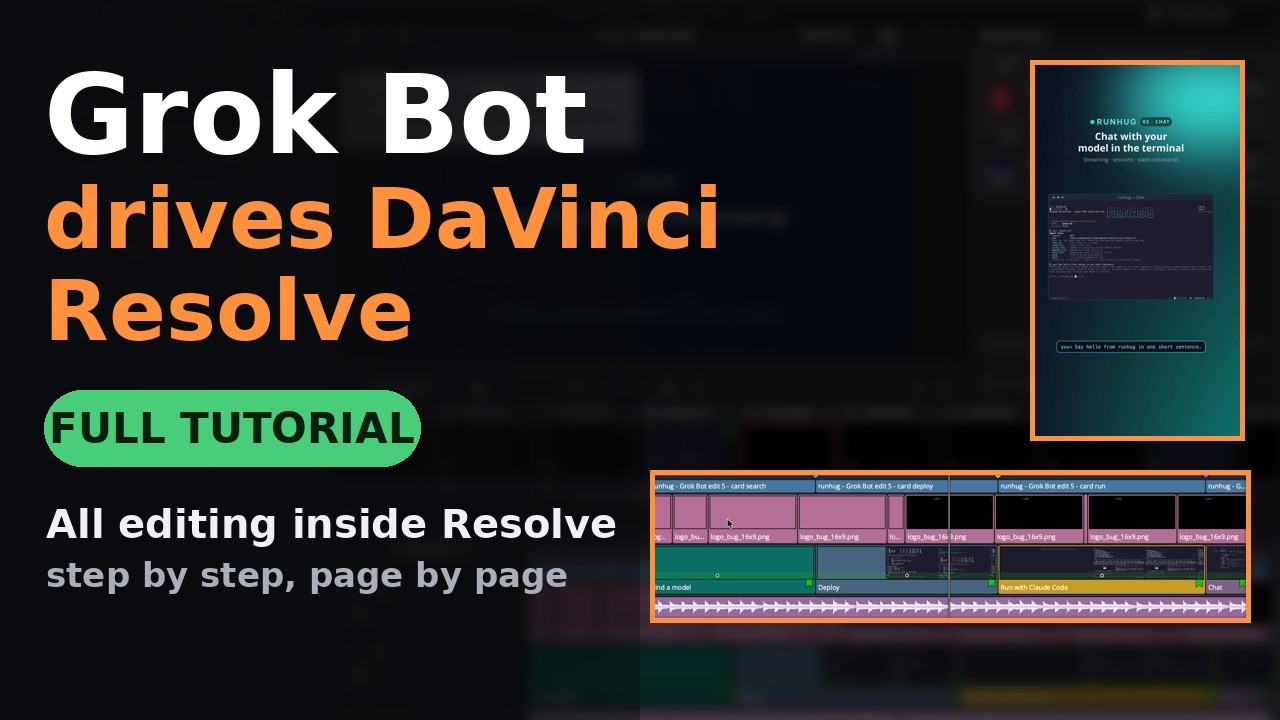
▶ Watch: Use GrokBot to Automate DaVinci Resolve


A skill is a folder with a SKILL.md recipe (YAML front matter with name and
description, then the steps) plus any scripts or examples it needs. Grok Bot reads
the recipe and runs it on your computer, asking for permission and for your input
along the way.
| Skill | What it does |
|---|---|
🎬 davinci-resolve-free |
Grok Bot builds a full edit inside DaVinci Resolve (free): Fusion titles, lower thirds, grades, music, markers, YouTube and vertical renders. It asks you questions in a dialog inside Resolve, then reformats the export for Shorts/Reels and thumbnails. Video walkthrough. |
🤖 discord-bot-engineer |
Grok Bot owns your Discord server: a small integration API (Cloudflare Workers, any SSH host, or Docker), GitHub/deploy/CI/sales trackers routed to channels, propose-first moderation, a safe AI-bot bridge, and a daily health check against the source of truth. |
📋 routine-run-log |
One local page of every Grok Bot routine across all your bots, with last run, status and a filterable run history. Each routine appends one line per run to a shared log, so the page stays current without asking each bot. |
- Pick a skill above and open its folder.
- In Grok Bot, say "Save this as a skill" and point it at the folder URL, for example
https://github.com/devrecated/grokbot-skills/tree/main/skills/davinci-resolve-free. - Use it by typing
/or@and the skill name, or just ask: "edit my demo clips in DaVinci Resolve". - Skills that ship scripts tell Grok Bot where to install them and which permissions to ask you for.
- 🎥 Use GrokBot to Automate DaVinci Resolve on YouTube
- 🌐 grokbot.dev
- 🏢 Devrecated on GitHub
Pull requests are welcome. Keep skills generic, with no personal paths, accounts or secrets, and include a short test or a dry-run mode when a skill ships code.
If a skill saved you time, a ⭐ helps other people find it.